Administration
Organization management
OpenHEXA uses a hierarchical structure where organizations contain multiple workspaces. The organization landing page serves as your control center for managing all aspects of your organization.
Organization landing page
The organization landing page provides a comprehensive overview and management interface for your entire organization.
Key features
- Workspaces: View and manage all workspaces in your organization
- Members: View and manage all users in your organization
- Datasets: Access all datasets in your organization from one place
Organization-level roles
OpenHEXA has two organization-level roles that provide different levels of administrative control:
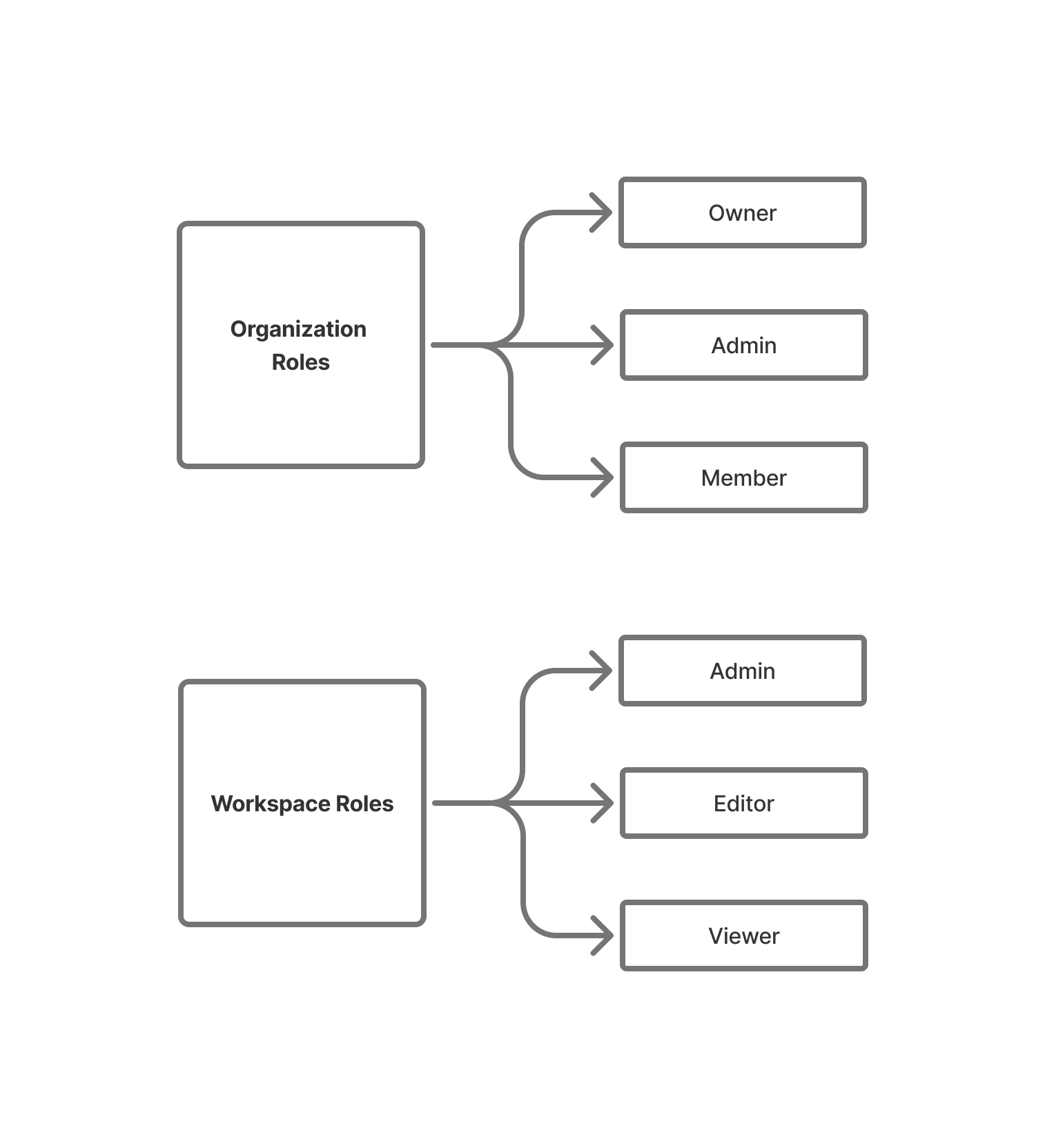
👤 Organization Admin
Organization Admins have comprehensive management capabilities across the entire organization. You can:
- Create, modify, and delete workspaces
- Invite new members to the organization
- Manage user permissions and access levels
- Remove users when necessary
This role is essential for maintaining proper organizational structure and ensuring smooth operations across all workspaces.
👤 Owner
Owners have the highest level of control over an organization. In addition to all Organization Admin capabilities, you can:
- Delete the entire organization and all its contents
- Assign Organization Admin roles
- Manage billing details and subscription plans (when applicable)
External collaborators
External collaborators are users who have access to one or more workspaces within your organization but are not direct members of the organization itself. This is useful when you need to collaborate with partners, consultants, or other external stakeholders without granting them full organization membership.
View external collaborators
Organization Admins and Owners can view all external collaborators from the organization settings:
- Go to Organization settings.
- Select the External Collaborators tab.
- Browse the list of external collaborators, which shows.
Manage external collaborators
Organization Admins and Owners can manage external collaborators:
- Edit: Update an external collaborator's workspace memberships or roles.
- Remove: Remove an external collaborator from all workspaces in the organization.
Adding external collaborators
External collaborators are added by inviting them to specific workspaces. When a user who is not an organization member accepts a workspace invitation, they automatically become an external collaborator.
Organization switching
To learn how to switch between organizations, see Switching organizations in the Navigation guide.